
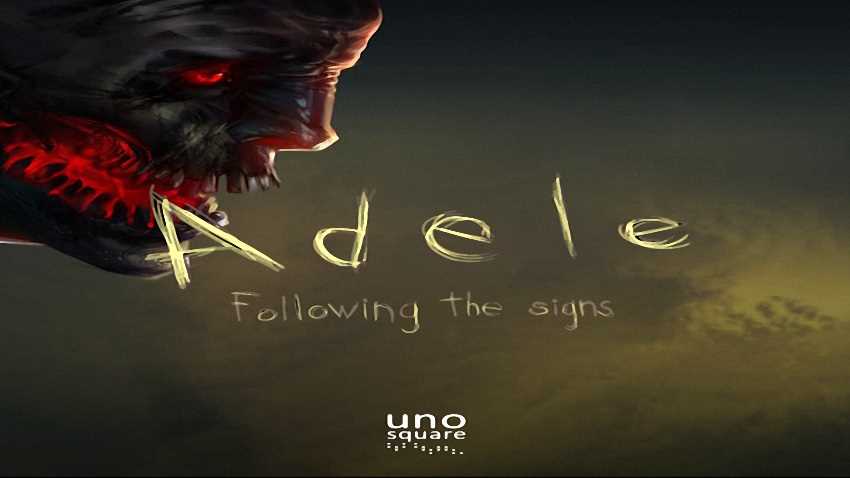
Adele: Following the Signs
Bài viết tổng hợp mọi thứ cần biết về Adele: Following the Signs trước khi bạn bấm tải: dung lượng, yêu cầu hệ thống, cách cài và những lỗi hay gặp. Nếu ổ đĩa sắp đầy, hãy dọn bớt trước — cài giữa chừng mà hết dung lượng thường phải làm lại từ đầu. Với máy cấu hình vừa phải, giảm thiết lập đồ hoạ trong game xuống mức trung bình sẽ cải thiện đáng kể độ mượt.
The year is 2029. It is the end of the world. Take on the role of Mike; who is in the woods with his daughter, fleeing from an attacking wave of zombies. During the escape, Mike slips, falls and loses consciousness. He awakes to find that Adele is nowhere to be found. His only chance in finding her is to follow the signs.
Adele: Following the Signs is the result of over 2 years of hard work from the people at Unosquare Labs. It is an extremely challenging 2.5D puzzle-platform strategy game with beautiful graphics, original art and music, and interesting game play written by Unosquare. Special guest music composer coming soon!
FEATURES:
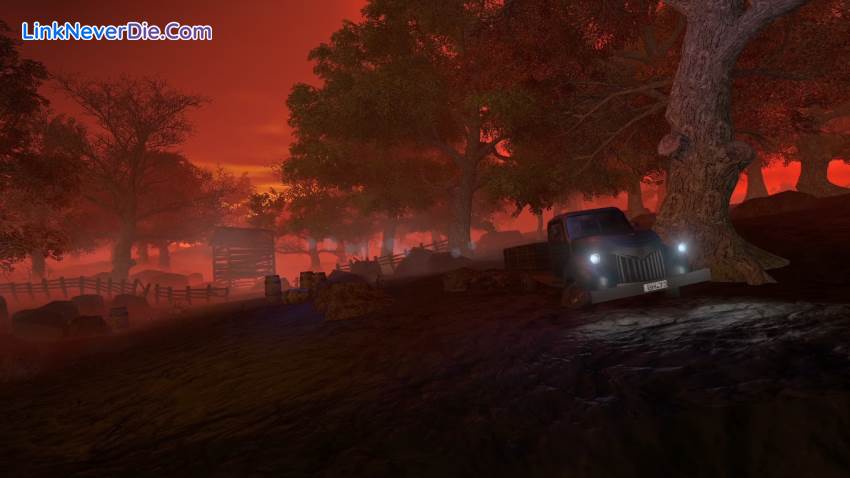
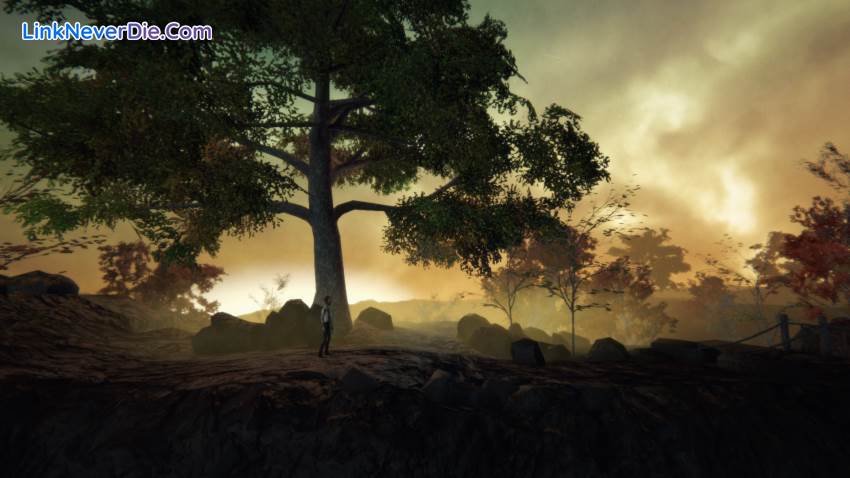
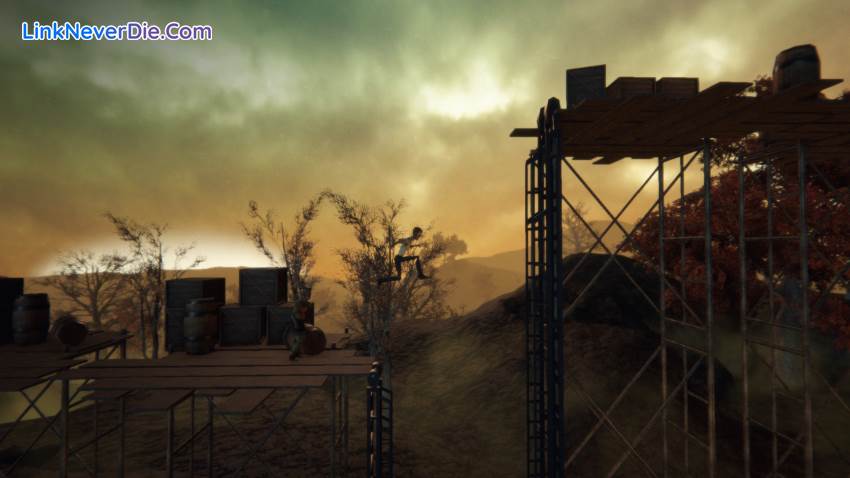
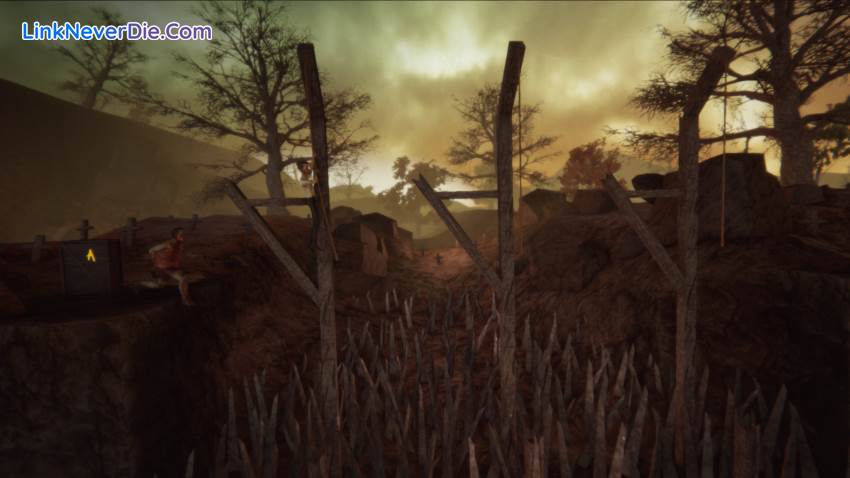
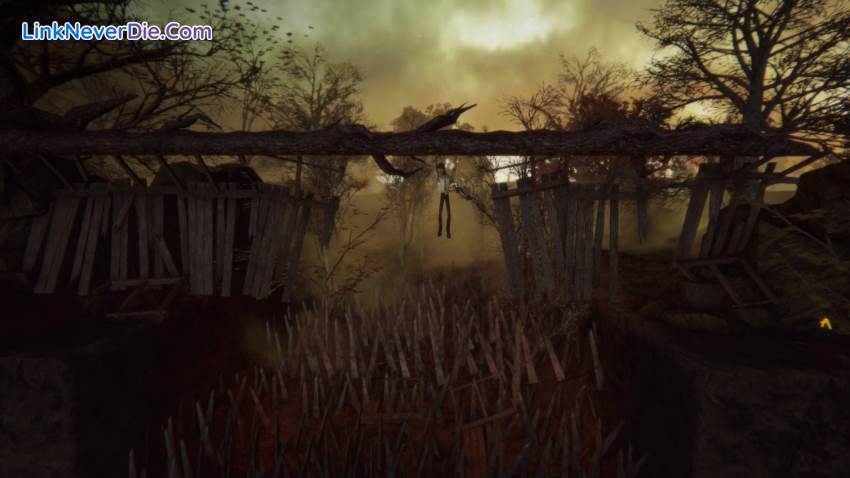
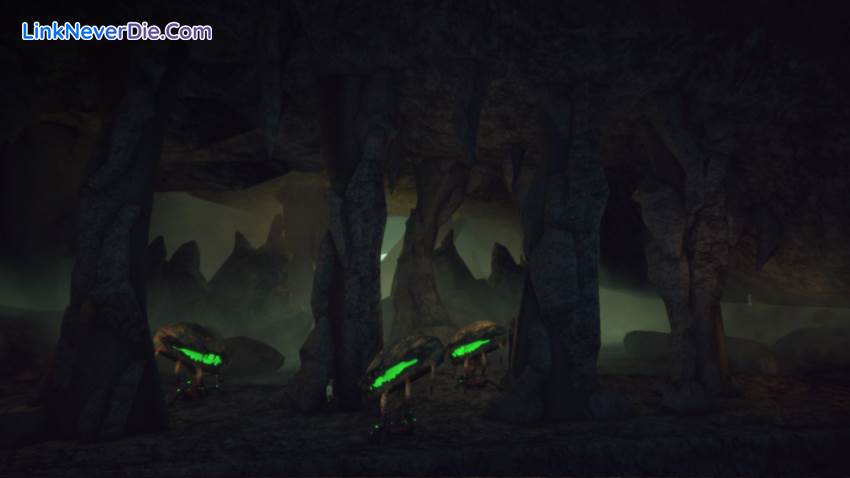
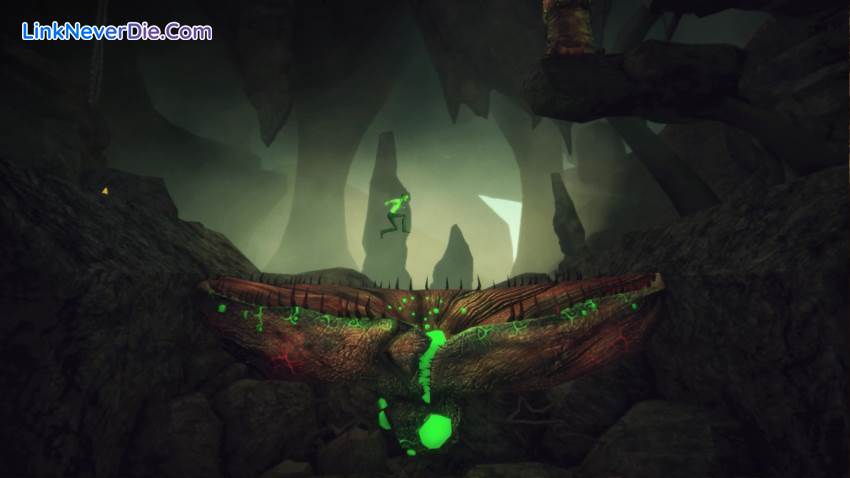
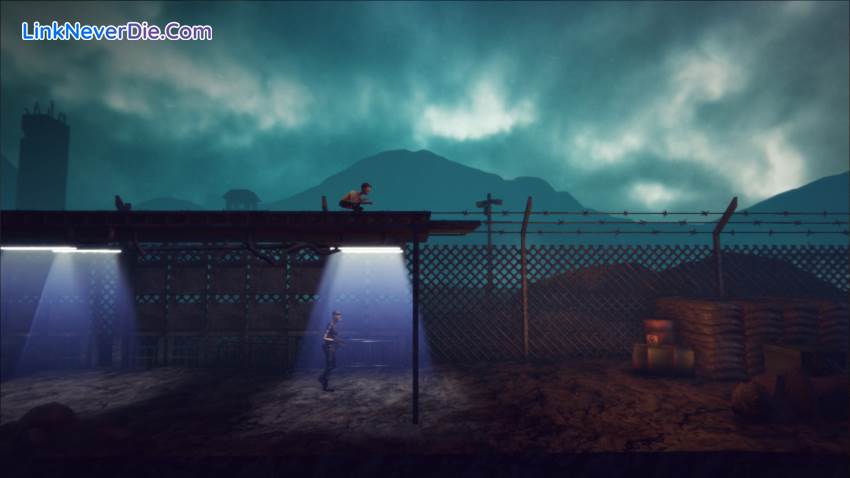
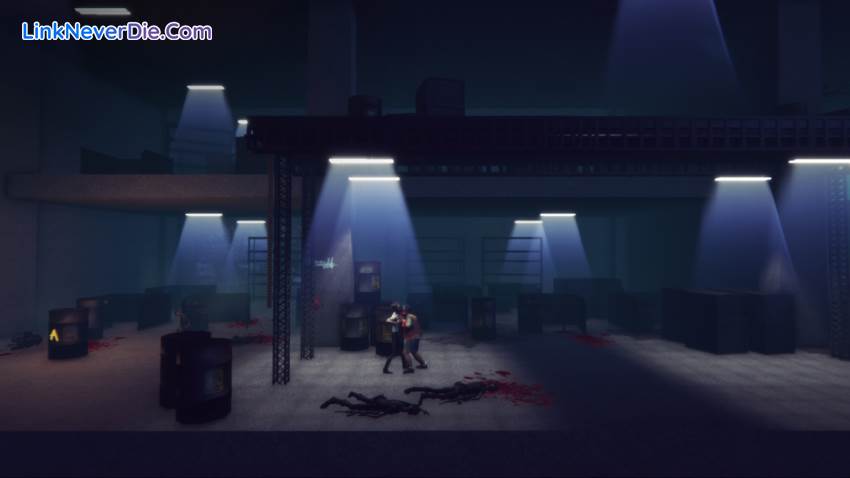
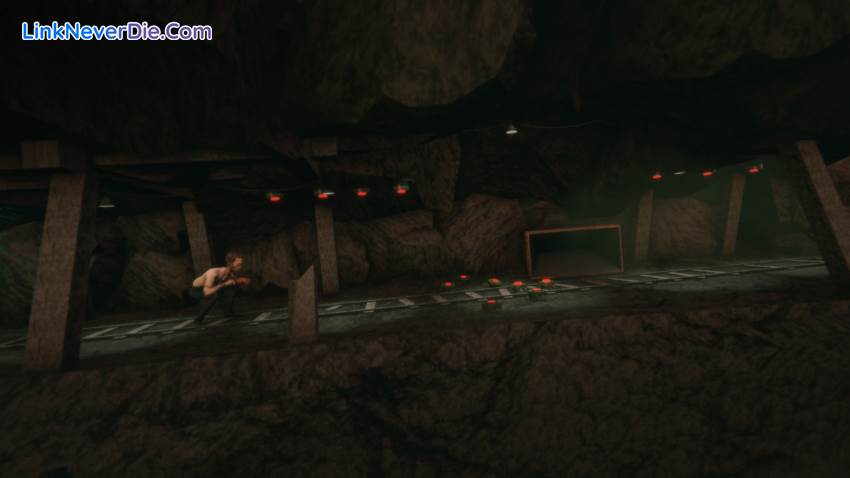
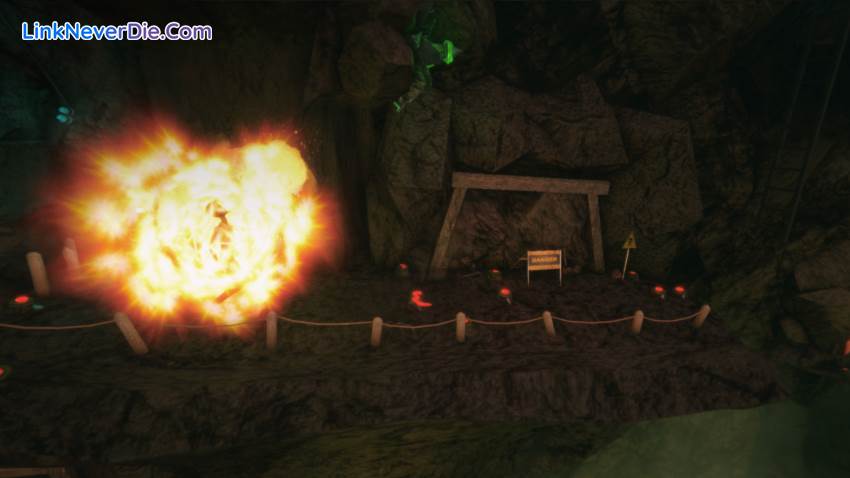
Adele is not meant to be a zombie killing game. Players have to strategically maneuver objects to block their path, run away or trap zombies into falling in order to escape them. The game is set in different environments which impact your interaction with the zombies, being in a factory is going to be different than in the countryside, or underground.
Adele: Following the Signs is the result of over 2 years of hard work from the people at Unosquare Labs. It is an extremely challenging 2.5D puzzle-platform strategy game with beautiful graphics, original art and music, and interesting game play written by Unosquare. Special guest music composer coming soon!
FEATURES:
- 19 challenging levels
- Zombies, attacking Plants and Monster Bosses
- A special bonus for those who can pass each level without dying
- Enemies and obstacles that will require both brains and skill to overcome
Adele is not meant to be a zombie killing game. Players have to strategically maneuver objects to block their path, run away or trap zombies into falling in order to escape them. The game is set in different environments which impact your interaction with the zombies, being in a factory is going to be different than in the countryside, or underground.
Cấu hình để chơi game Adele: Following the Signs
-
Minimum:
- OS: Windows 7 (32-bit)
- Processor: intel i5 (or equivalent)
- Memory: 4 GB RAM
- Graphics: 1GB NVIDIA or AMD graphics card
- DirectX: Version 9.0
- Storage: 5 GB available space
-
Recommended:
- OS: Windows 10 (64-bit system)
- Processor: intel i5 (or equivalent)
- Memory: 4 GB RAM
- Graphics: Modern NVIDIA GeForce 900 Series graphics card
- DirectX: Version 10
- Storage: 5 GB available space
Mua bản quyền game Adele: Following the Signs
Nếu thấy game Adele: Following the Signs hay thì nhớ mua bản quyền game ủng hộ nhà phát triển các bạn nhé. Bấm vào nút bên dưới để dẫn đến trang mua bản quyền.
Các lỗi thường gặp khi chơi Adele: Following the Signs
-
Hướng dẫn khắc phục và sửa lỗi XINPUT1_3.dll
-
Hướng dẫn khắc phục và sửa các lỗi giải nén
-
Hướng dẫn khắc phục và sửa lỗi MSVCR110.dll / MSVCR100.dll
-
Hướng dẫn khắc phục và sửa lỗi VCOMP120.dll
-
Hướng dẫn khắc phục và sửa lỗi XAPOFX1_5.dll
-
Hướng dẫn khắc phục và sửa lỗi X3DAudio1_7.dll
-
Hướng dẫn khắc phục và sửa lỗi 0xc000007b
-
Hướng dẫn khắc phục và sửa lỗi d3dx9_43.dll
Diễn đàn Adele: Following the Signs
Chưa có bài thảo luận nào liên kết với bài viết này.

14496
0
0