
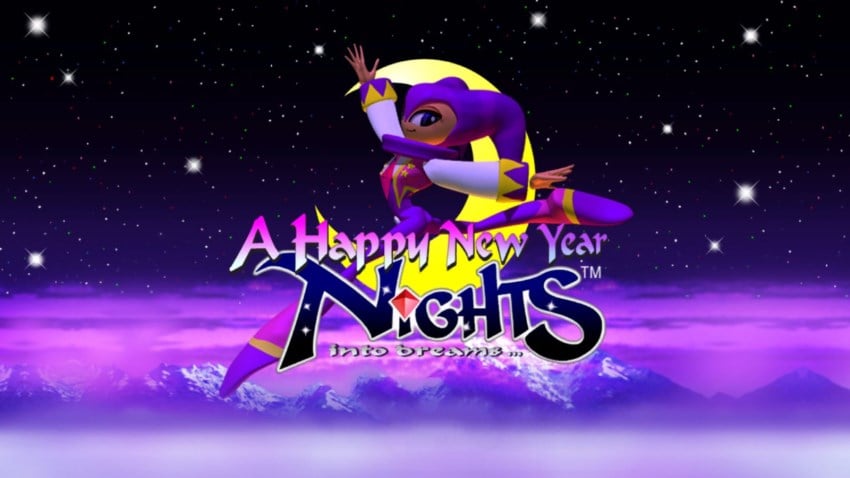
Nights into Dreams
Bài viết tổng hợp mọi thứ cần biết về Nights into Dreams trước khi bạn bấm tải: dung lượng, yêu cầu hệ thống, cách cài và những lỗi hay gặp. Nếu ổ đĩa sắp đầy, hãy dọn bớt trước — cài giữa chừng mà hết dung lượng thường phải làm lại từ đầu. Với máy cấu hình vừa phải, giảm thiết lập đồ hoạ trong game xuống mức trung bình sẽ cải thiện đáng kể độ mượt.
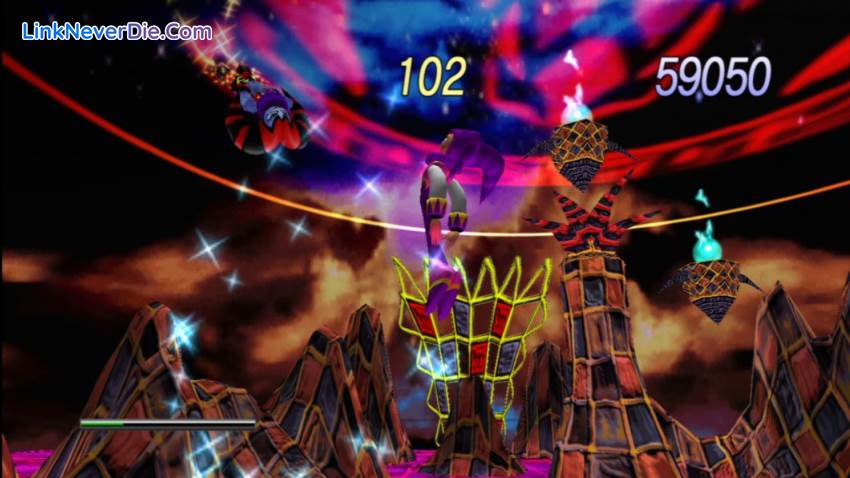
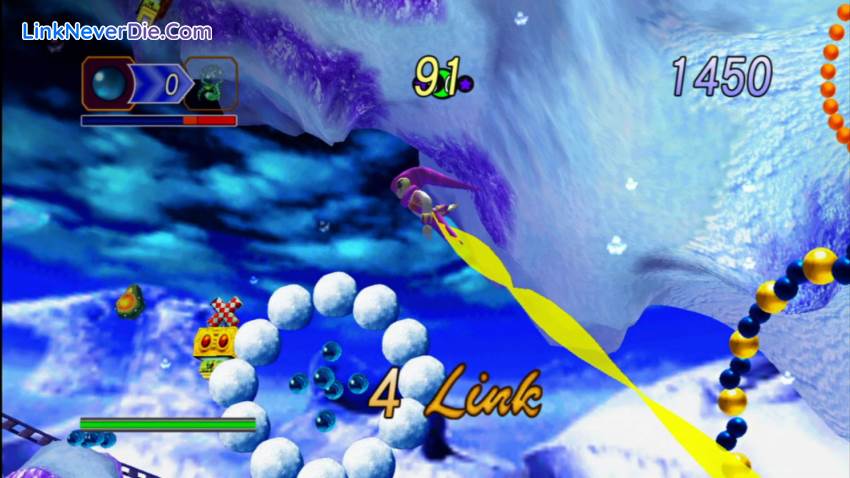
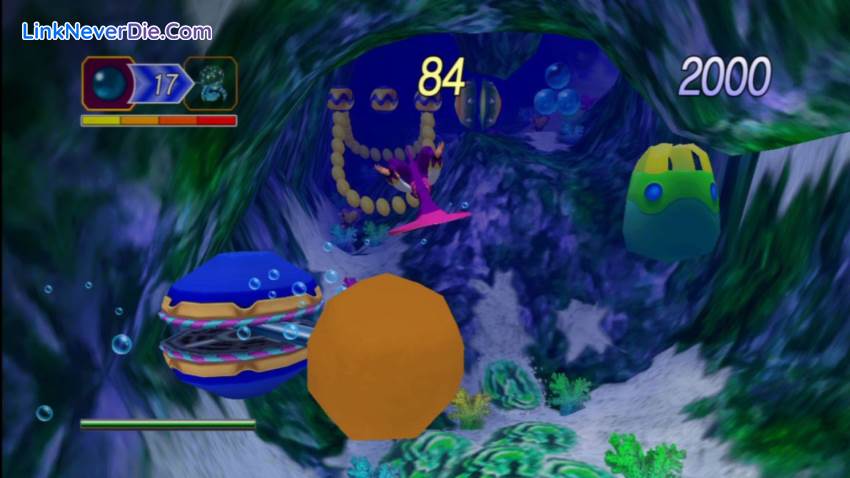
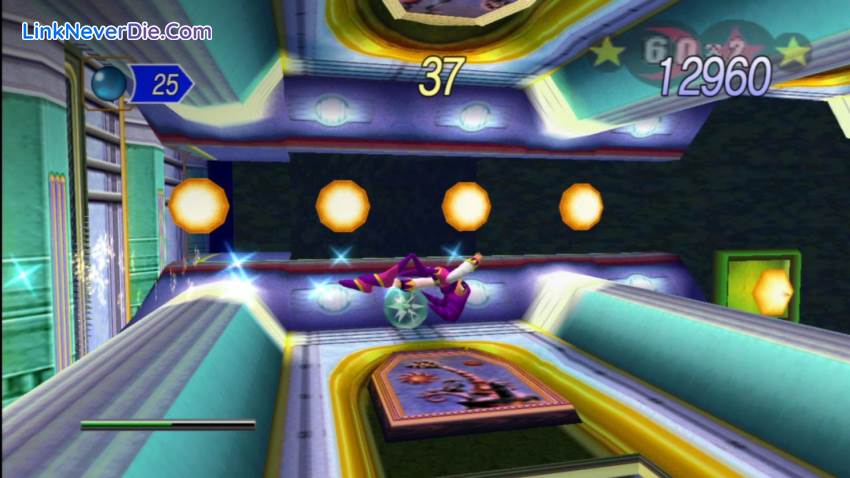
Slip off into the dream world and go on an aerial adventure as NiGHTS in this classic Saturn remake. Collect Ideya (colored orbs), rack up points, and battle bosses to help Elliot and Claris save Nightopia from Wizeman the Wicked. With enhanced graphics, achievements, leaderboards, and playable content from Christmas NiGHTS, this beloved title is back and better than ever.
Key Features:
- Hd Dreams
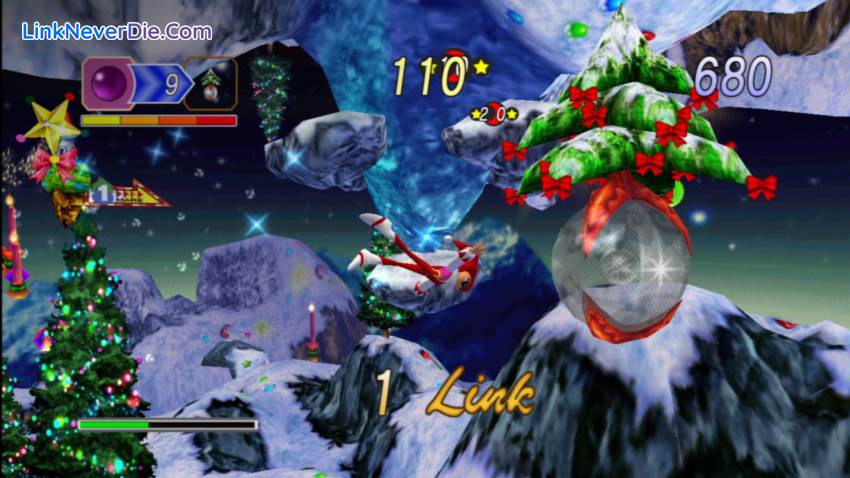
See NiGHTS come to life like never before with HD graphics and widescreen. All 7 original dreams have been enhanced for an invigorated gameplay experience. - Christmas Nights
Experience the holiday season early with playable content from Christmas NiGHTS. - Achievements and Leaderboards
Track your progress against the most dedicated NiGHTS fans in the world. - Saturn Dreams
Long-time fans can re-play the game in its original form. - Extras
The Movie Theater and Gallery offer a behind-the-scenes look at the story and artwork that make NiGHTS into dreams… so special.
Cấu hình để chơi game Nights into Dreams
- Minimum:
- OS:Windows XP SP3/Vista/Win7/Win 8
- Processor:Pentium 4 @ 3.2 GHz/Athlon 64 3000+ or Equivalent & above
- Memory:1 GB RAM
- Graphics:256 MB (NVIDIA GeForce 8600/AT Radeon HD3650) & above
- DirectX®:9.0c
- Hard Drive:4 GB HD space
- Sound:DirectX Compatible
- Additional:2GB Memory required on Vista
- Recommended:
- OS:Windows 7/Windows 8
- Processor:Intel Core 2 DUO @ 2.4 GHz/Athlon 64 X2 4200+ & above
- Memory:2 GB RAM
- Graphics:512 MB (NVIDIA GeForce GTS250/ATI Radeon HD 4850) & above
- DirectX®:11
- Hard Drive:4 GB HD space
- Sound:DirectX Compatible
- Additional:2GB Memory required on Vista
Mua bản quyền game Nights into Dreams
Nếu thấy game Nights into Dreams hay thì nhớ mua bản quyền game ủng hộ nhà phát triển các bạn nhé. Bấm vào nút bên dưới để dẫn đến trang mua bản quyền.
Các lỗi thường gặp khi chơi Nights into Dreams
-
Hướng dẫn khắc phục và sửa lỗi XINPUT1_3.dll
-
Hướng dẫn khắc phục và sửa các lỗi giải nén
-
Hướng dẫn khắc phục và sửa lỗi MSVCR110.dll / MSVCR100.dll
-
Hướng dẫn khắc phục và sửa lỗi VCOMP120.dll
-
Hướng dẫn khắc phục và sửa lỗi XAPOFX1_5.dll
-
Hướng dẫn khắc phục và sửa lỗi X3DAudio1_7.dll
-
Hướng dẫn khắc phục và sửa lỗi 0xc000007b
-
Hướng dẫn khắc phục và sửa lỗi d3dx9_43.dll
Diễn đàn Nights into Dreams
Chưa có bài thảo luận nào liên kết với bài viết này.

9930
0
0