
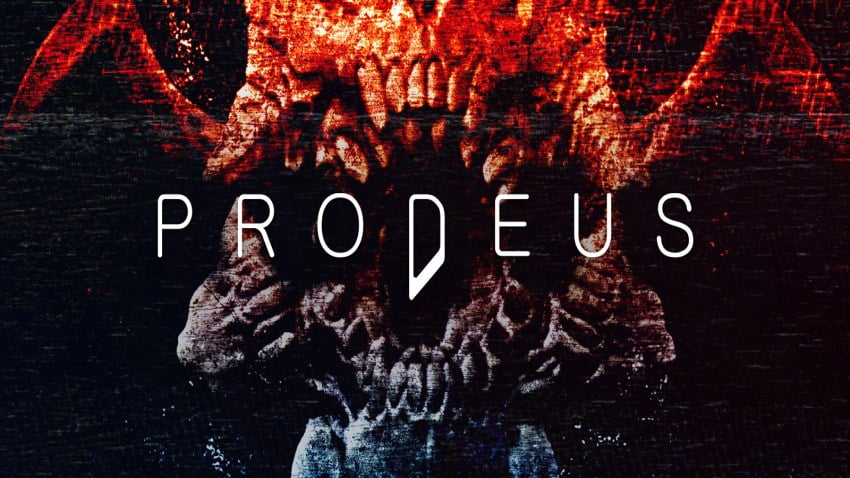
Prodeus v0.2.4
Prodeus v0.2.4 được giới thiệu đầy đủ trong bài viết này: thông tin cơ bản, yêu cầu phần cứng và đường dẫn tải về. Link được kiểm tra định kỳ nên bạn không phải mất công tìm nguồn khác. Khuyến nghị đọc kỹ mục cấu hình trước khi tải để khỏi tải xong mới phát hiện máy không đáp ứng. Trường hợp game báo thiếu file hoặc không khởi động, hãy kéo xuống phần khắc phục lỗi phía dưới.
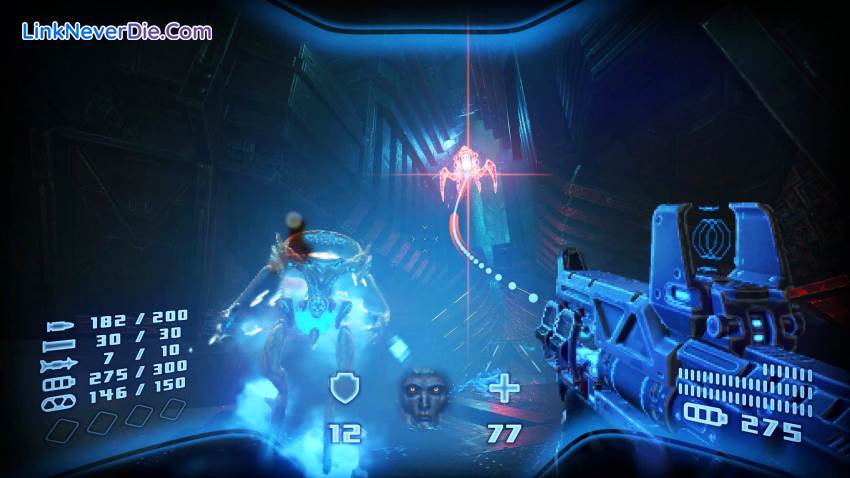
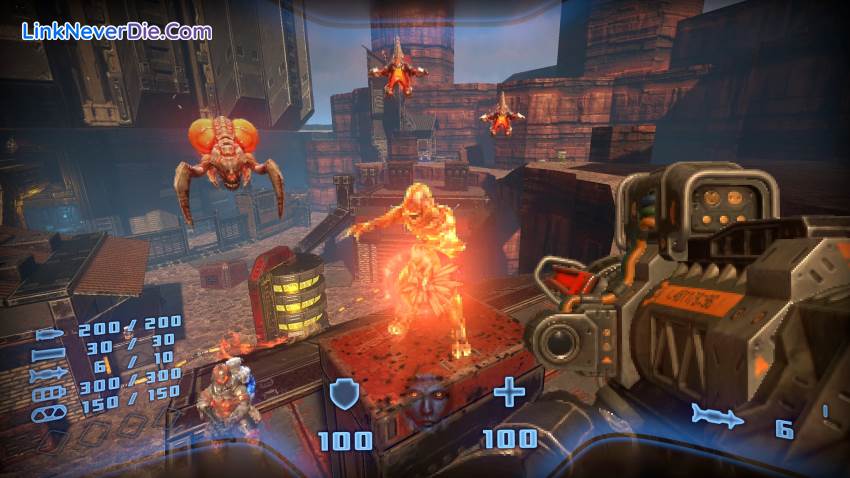
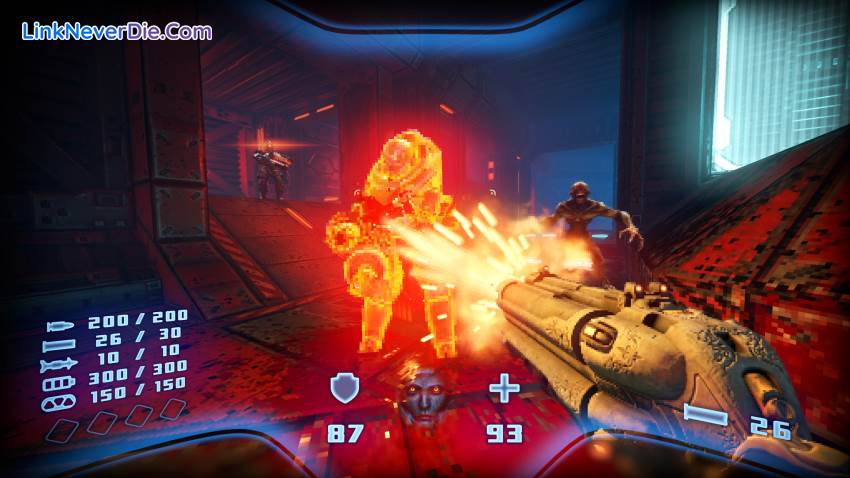
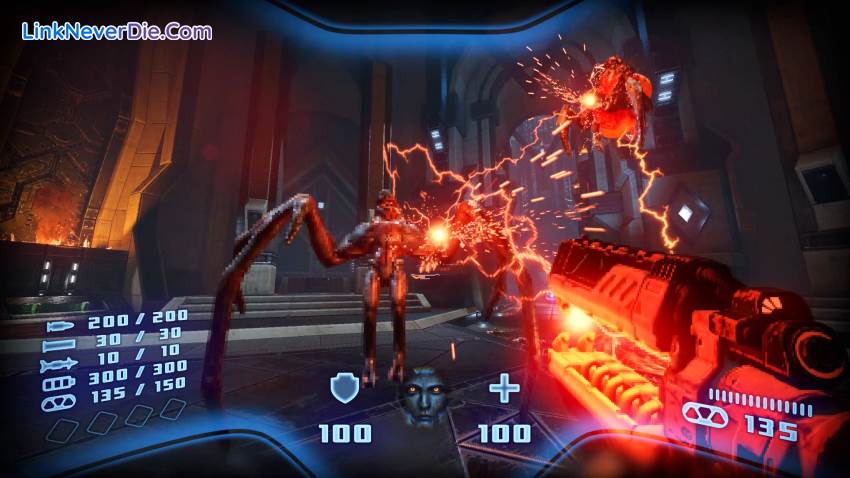
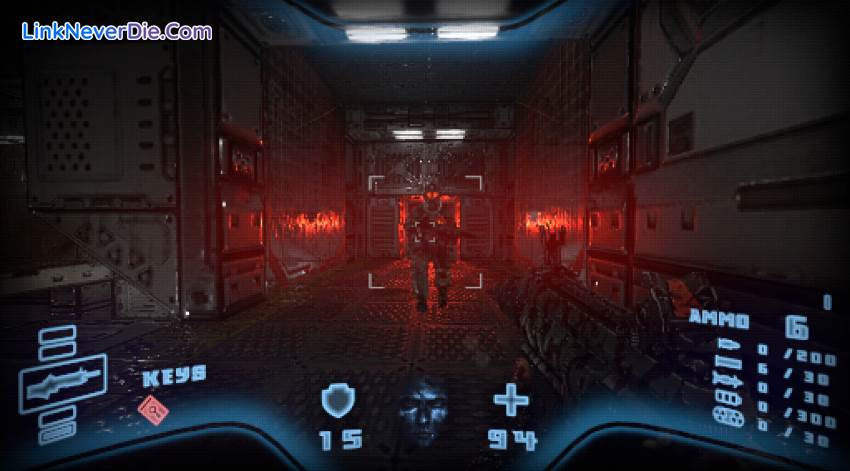
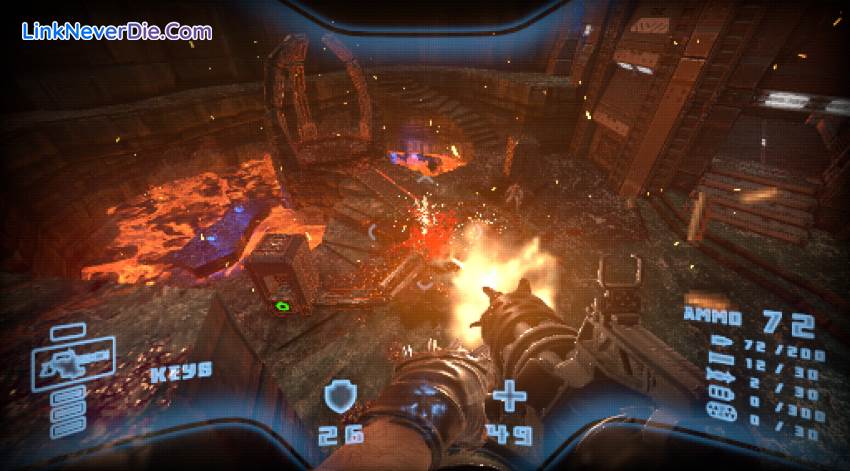
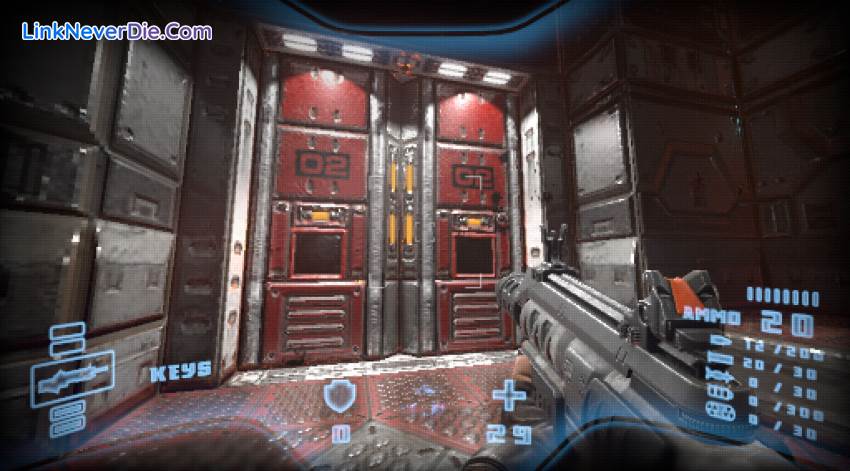
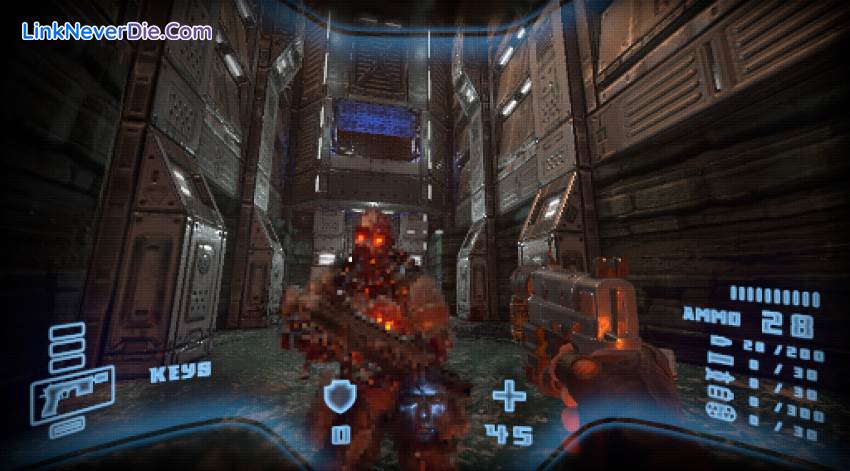
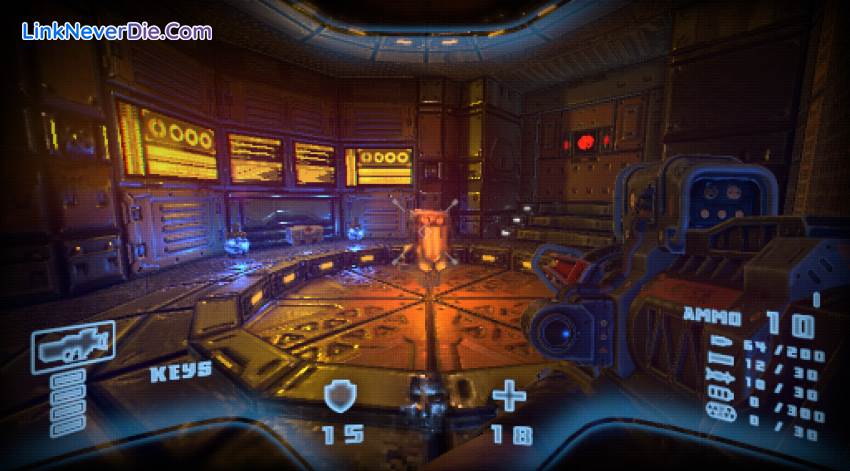
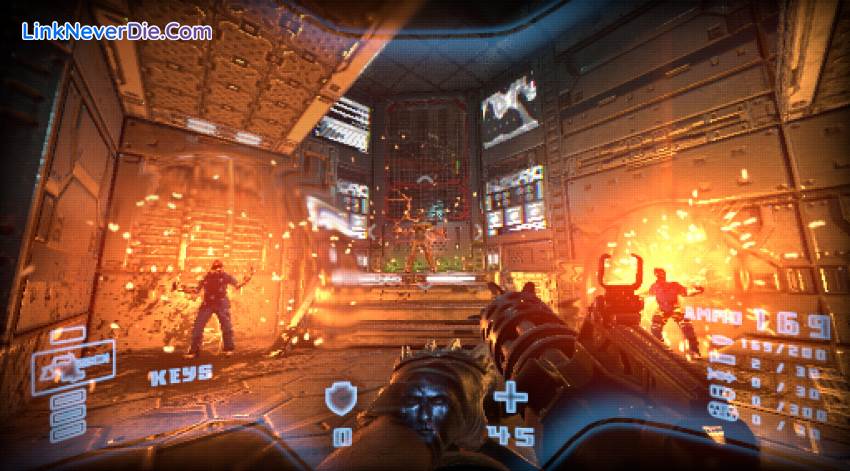
Prodeus is a first-person shooter of old, re-imagined using modern rendering techniques. It reaches the quality you expect from a AAA experience while adhering to some of the aesthetic technical limits of older hardware.
The game features a hand-crafted campaign from industry FPS veterans, a fully-integrated level editor, and a built-in community map browser for instantaneous action with nearly limitless levels to play.
Get ready to paint the walls red. This is the Boomer Shooter you’ve been waiting for.
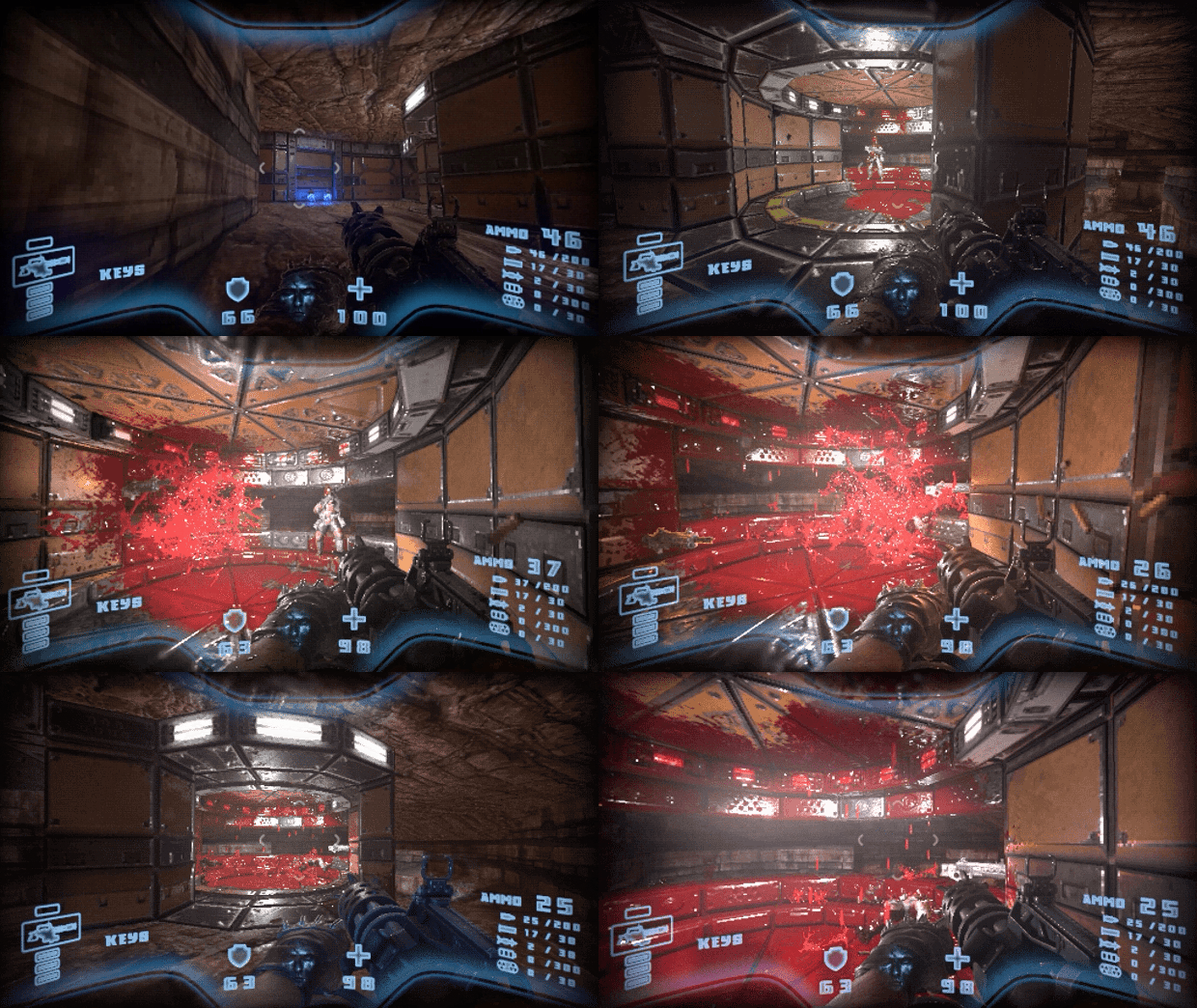
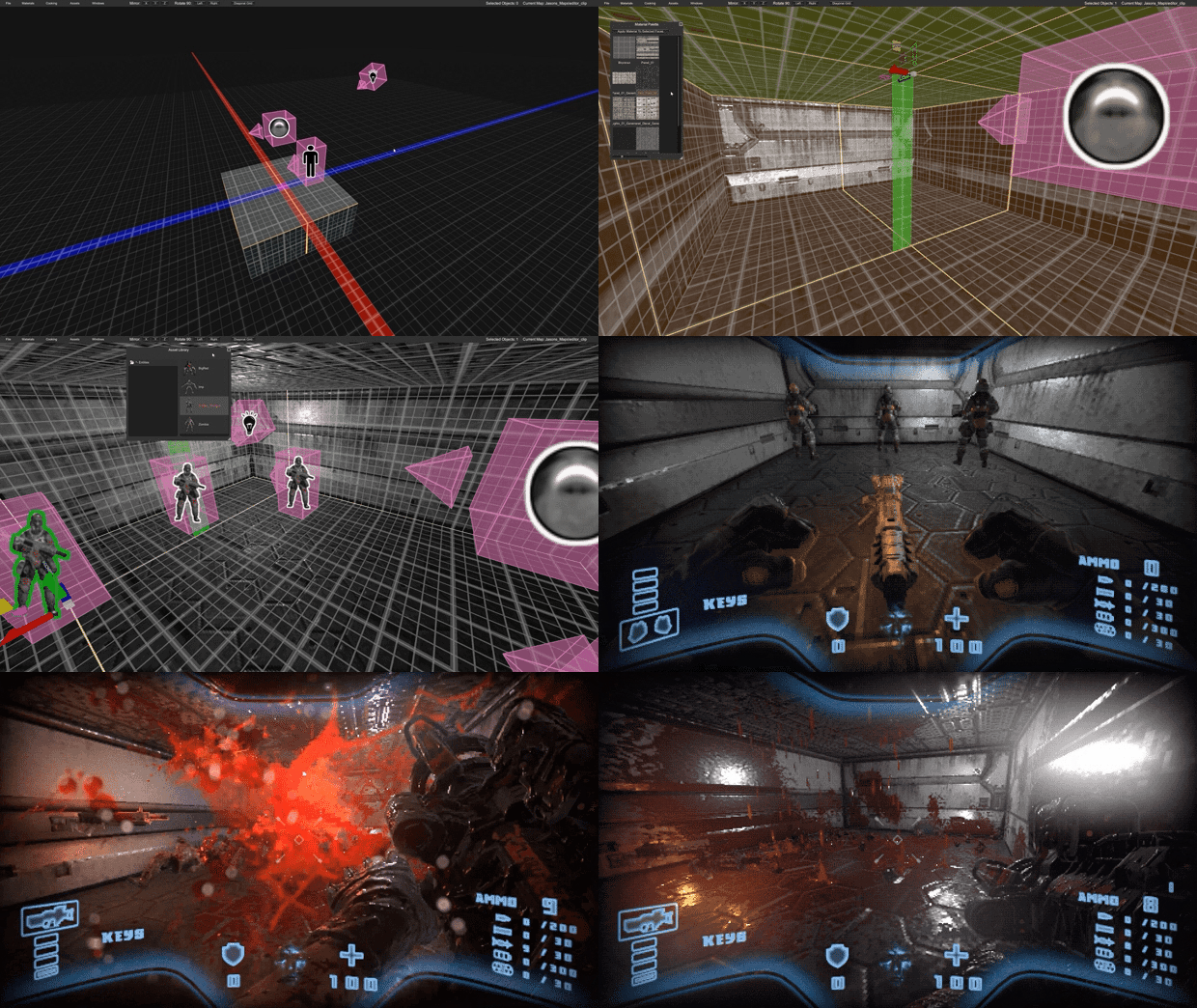
The game features a hand-crafted campaign from industry FPS veterans, a fully-integrated level editor, and a built-in community map browser for instantaneous action with nearly limitless levels to play.
Get ready to paint the walls red. This is the Boomer Shooter you’ve been waiting for.
Our Art Style:
- An aesthetic mix of high-quality 3D art and retro rendering techniques
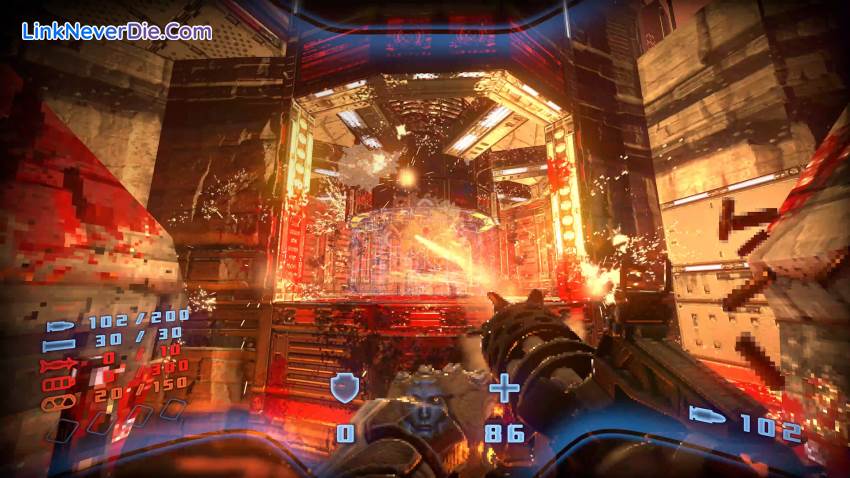
- Over the top visual effects (Explosions! Blood! Gore! Oh My!)
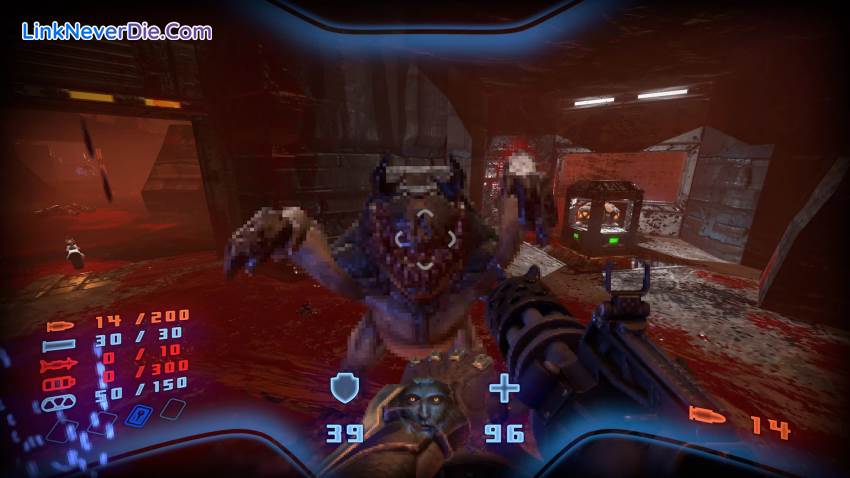
- Infinite blood and a satisfyingly gory dismemberment system
Gameplay:
- Visceral and engaging combat scenarios
- Heavy-duty weaponry
- Dynamic heavy metal soundtrack from Andrew Hulshult
- A multitude of secrets to discover
Replayability:
- Built-in community map browser
- Advanced but easy to use level editor
- Tons of difficulty and game modes with online high score support
The Team:
Prodeus is being developed by Michael Voeller and Jason Mojica of Bounding Box Software who have a combined 25 years FPS development experience, along with talented freelance artists and designers.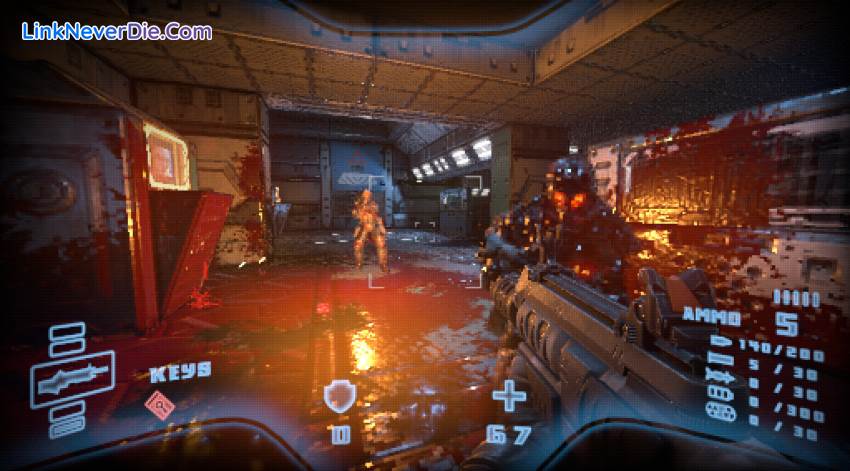
Cấu hình để chơi game Prodeus
-
Minimum:
- OS: Windows 7+
- Processor: CPU @ 2+ GHz, 4 cores
- Memory: 2 GB RAM
- Graphics: NVidia GTX 580 or AMD HD 7870
- DirectX: Version 9.0
- Storage: 4 GB available space
-
Recommended:
- OS: Windows 7+
- Processor: CPU @ 3+ GHz, 8 cores
- Memory: 6 GB RAM
- Graphics: NVidia GTX 1050 or AMD RX 560
- DirectX: Version 10
- Storage: 4 GB available space
Mua bản quyền game Prodeus
Nếu thấy game Prodeus hay thì nhớ mua bản quyền game ủng hộ nhà phát triển các bạn nhé. Bấm vào nút bên dưới để dẫn đến trang mua bản quyền.
Các lỗi thường gặp khi chơi Prodeus
-
Hướng dẫn khắc phục và sửa lỗi XINPUT1_3.dll
-
Hướng dẫn khắc phục và sửa các lỗi giải nén
-
Hướng dẫn khắc phục và sửa lỗi MSVCR110.dll / MSVCR100.dll
-
Hướng dẫn khắc phục và sửa lỗi VCOMP120.dll
-
Hướng dẫn khắc phục và sửa lỗi XAPOFX1_5.dll
-
Hướng dẫn khắc phục và sửa lỗi X3DAudio1_7.dll
-
Hướng dẫn khắc phục và sửa lỗi 0xc000007b
-
Hướng dẫn khắc phục và sửa lỗi d3dx9_43.dll
Diễn đàn Prodeus
Chưa có bài thảo luận nào liên kết với bài viết này.

20022
0
9