
Proteus - Latest Version
Bạn đang tìm bản Proteus - Latest Version để cài lên máy tính? Trang này tập hợp link tải còn hoạt động cùng hướng dẫn cài đặt theo từng bước. Trước khi tải, nên xem qua phần cấu hình bên dưới để biết máy mình có chạy nổi hay không — phần lớn lỗi giật, văng game khi mới mở đều bắt nguồn từ việc phần cứng không đạt mức tối thiểu. Nếu gặp trục trặc trong lúc cài, phần lỗi thường gặp ở cuối bài liệt kê các tình huống hay xảy ra nhất và cách xử lý tương ứng.
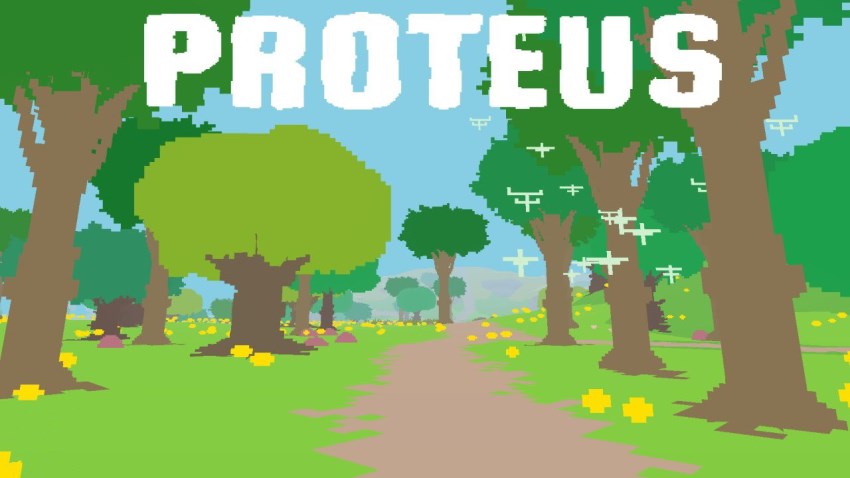
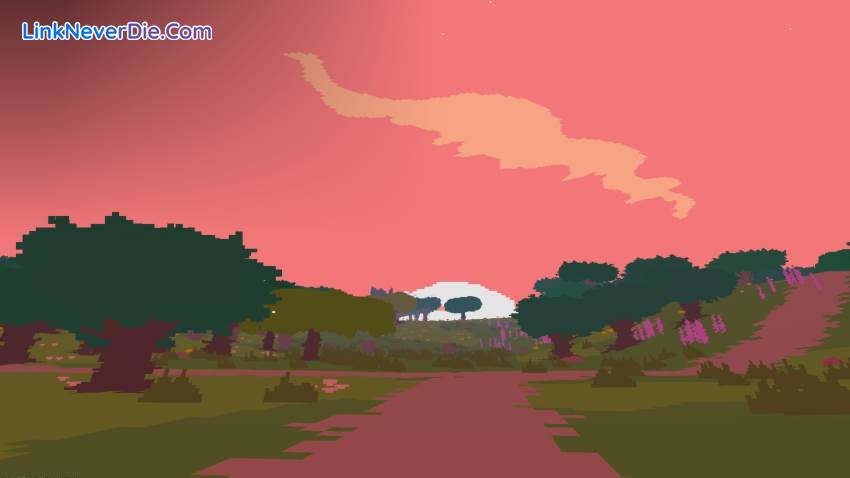
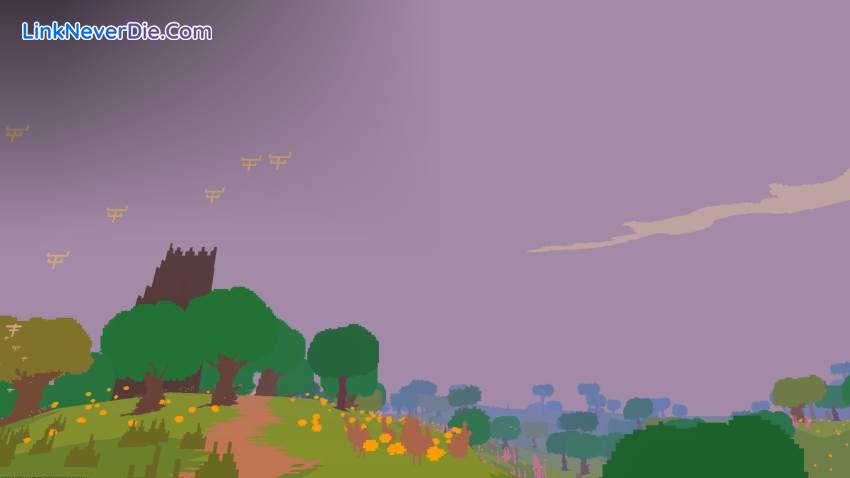
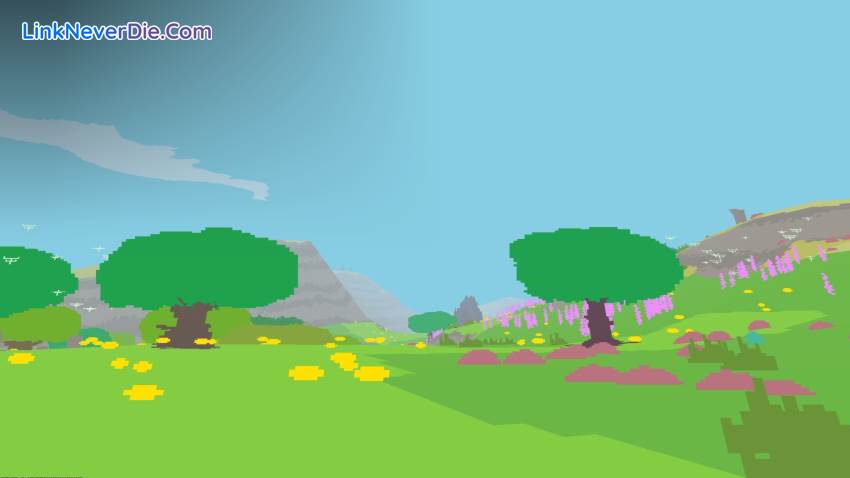
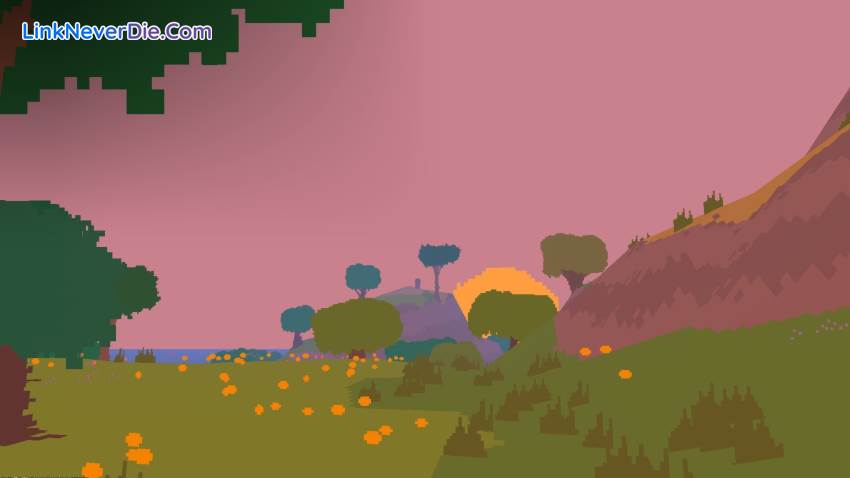
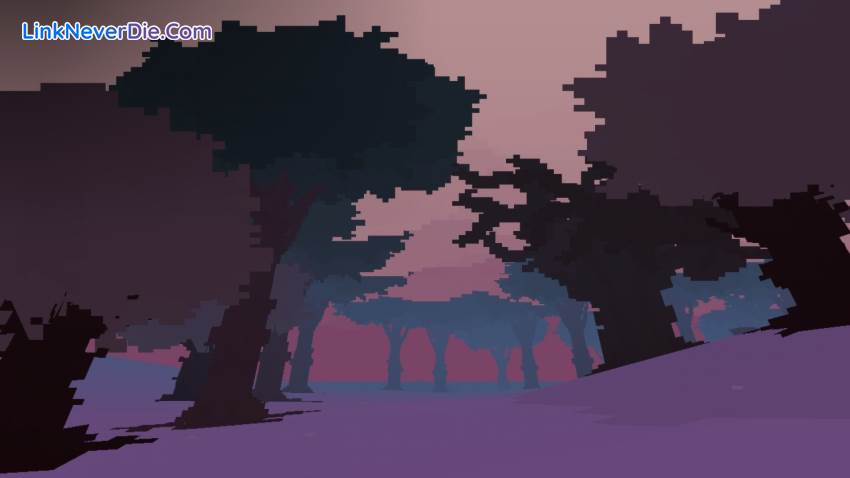
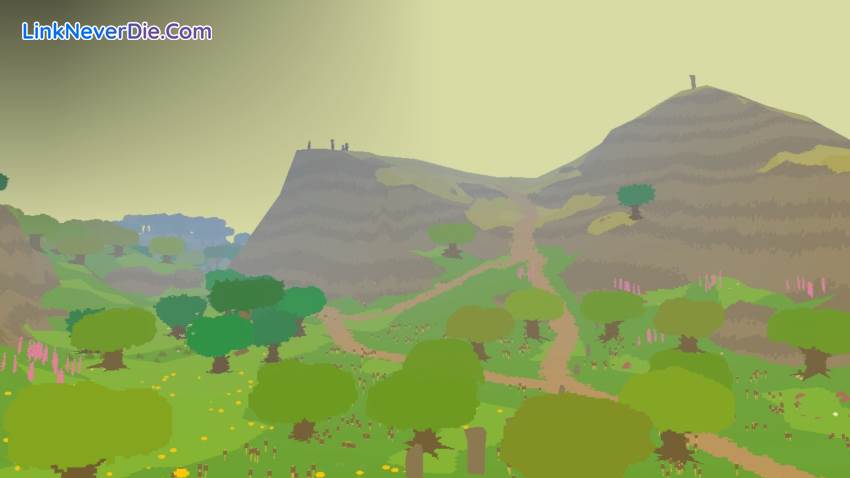
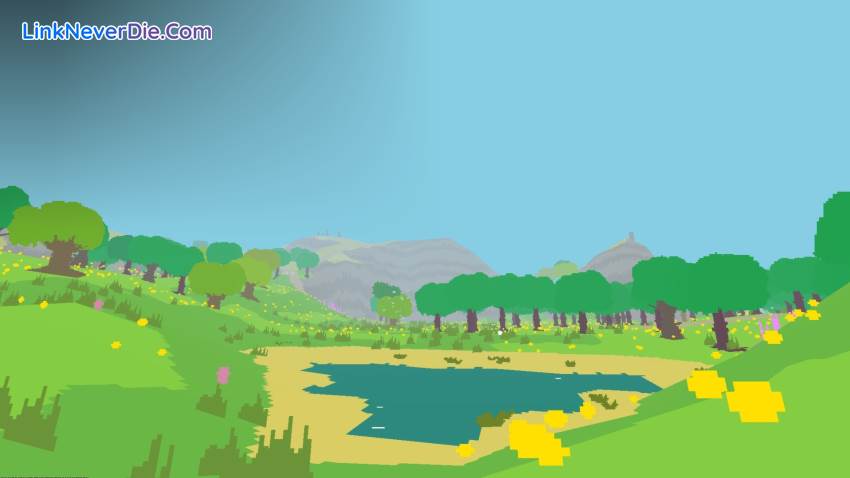
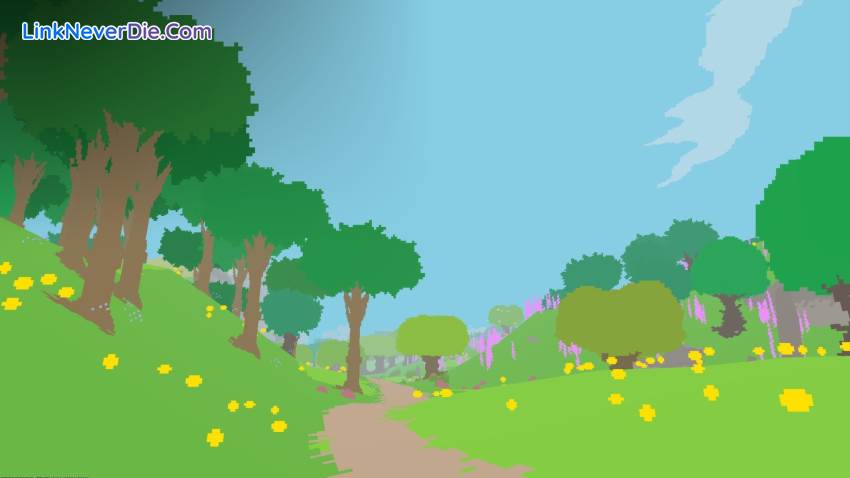
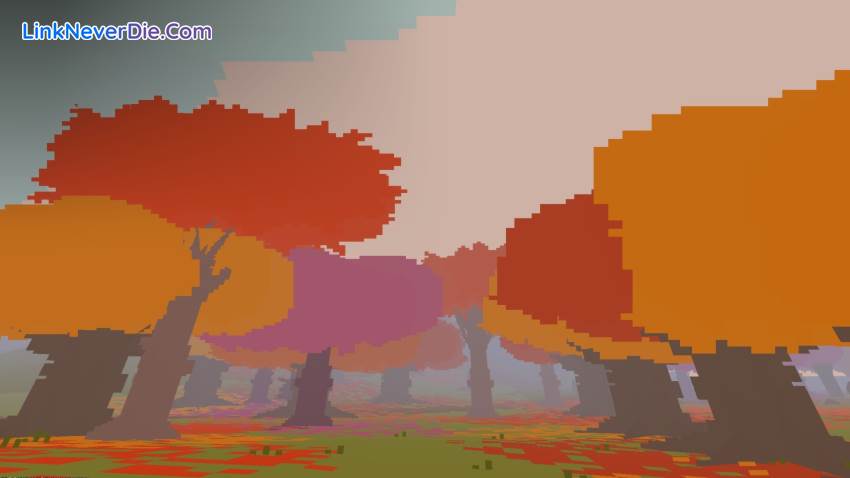
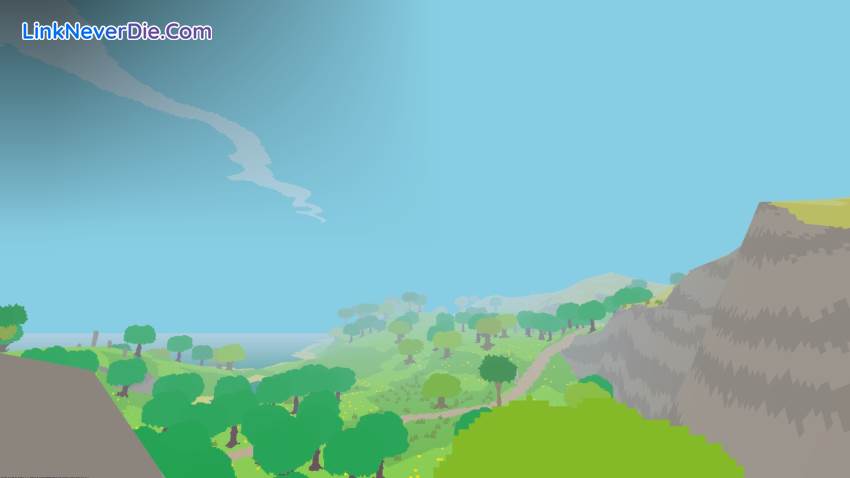
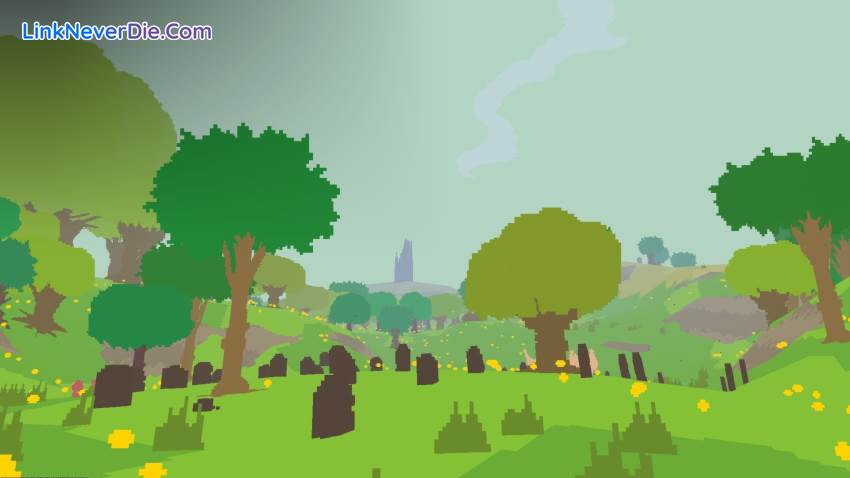
Proteus is a game about exploration and immersion in a dream-like island world where the soundtrack to your play is created by your surroundings. Played in first-person, the primary means of interaction is simply your presence in the world and how you observe it. The procedurally generated islands are home to creatures natural and imagined, tranquil valleys and ruins with magical properties.
Key Features:
- Meditative play: the responsive world and lack of any text or hints distils an essence of curious, investigative play, and rewards patience and immersion.
- Dynamic soundtrack composed by award-winning musician David Kanaga follows the mood of the world and will appeal to fans of Boards of Canada, Brian Eno.
- A distinctive 2D-but-3D graphical style with wild shifting palettes that sits somewhere between 8-bit videogames and early 20th century modernist painting.
- Islands are uniquely generated every time, and although it's theoretically possible to see everything in one playthrough, no-one ever does.
- Built-in "postcard" function encodes world data into each screenshot, allowing islands and discoveries to be saved and shared.


Cấu hình để chơi game Proteus
- Minimum:
- OS: Windows XP SP3
- Processor: 1.8GHz
- Memory: 3 GB RAM
- Graphics: Intel HD Graphics 3000
- Hard Drive: 100 MB HD space
- Recommended:
- Processor: 2.2GHz Dual Core
- Memory: 4 GB RAM
- Graphics: 512 MB NVidia or ATI graphics card
- Hard Drive: 100 MB HD space
Mua bản quyền game Proteus
Nếu thấy game Proteus hay thì nhớ mua bản quyền game ủng hộ nhà phát triển các bạn nhé. Bấm vào nút bên dưới để dẫn đến trang mua bản quyền.
Các lỗi thường gặp khi chơi Proteus
-
Hướng dẫn khắc phục và sửa lỗi XINPUT1_3.dll
-
Hướng dẫn khắc phục và sửa các lỗi giải nén
-
Hướng dẫn khắc phục và sửa lỗi MSVCR110.dll / MSVCR100.dll
-
Hướng dẫn khắc phục và sửa lỗi VCOMP120.dll
-
Hướng dẫn khắc phục và sửa lỗi XAPOFX1_5.dll
-
Hướng dẫn khắc phục và sửa lỗi X3DAudio1_7.dll
-
Hướng dẫn khắc phục và sửa lỗi 0xc000007b
-
Hướng dẫn khắc phục và sửa lỗi d3dx9_43.dll
Diễn đàn Proteus
Chưa có bài thảo luận nào liên kết với bài viết này.

11612
0
5